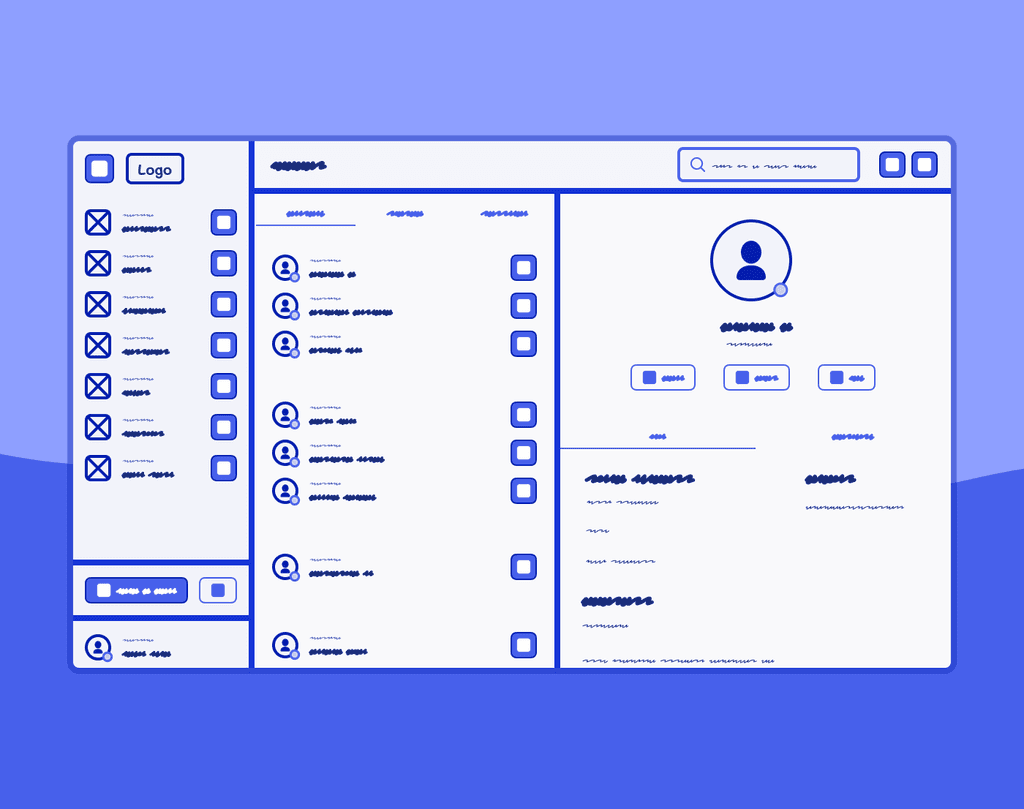
Customizing navigation in menu
Customizing navigation in menu
Customizing navigation in menu
Set your menu navigation the way you prefer and have easier access to your favorite features
Set your menu navigation the way you prefer and have easier access to your favorite features
Set your menu navigation the way you prefer and have easier access to your favorite features
Role
Role
Product Designer at Ooma
Product Designer at Ooma
Duration
Duration
2 Weeks
2 Weeks
Tools
Figma
Jira
Design process
Research
Exploration
Mockups
Prototypes
Tools
Tools
Figma
Jira
Figma
Jira
Design process
Design process
Research
Iteration
Built components
Mockups
Research
Iteration
Built components
Mockups
Introduction
Introduction
Introduction
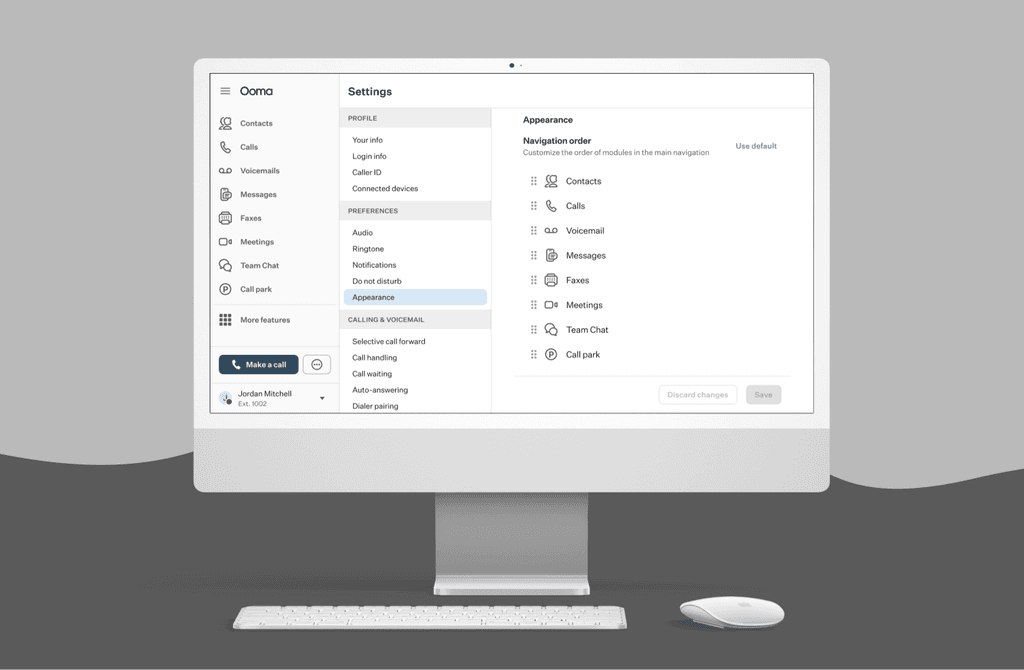
Users have asked for ways to customize their menu navigation to have their favorite features where they want and being able to move them however they prefer. Ooma currently has a set order based conducted research, but not all users prefer it and are looking for ways to customize it.
Users have asked for ways to customize their menu navigation to have their favorite features where they want and being able to move them however they prefer. Ooma currently has a set order based conducted research, but not all users prefer it and are looking for ways to customize it.
Research
Research
Research
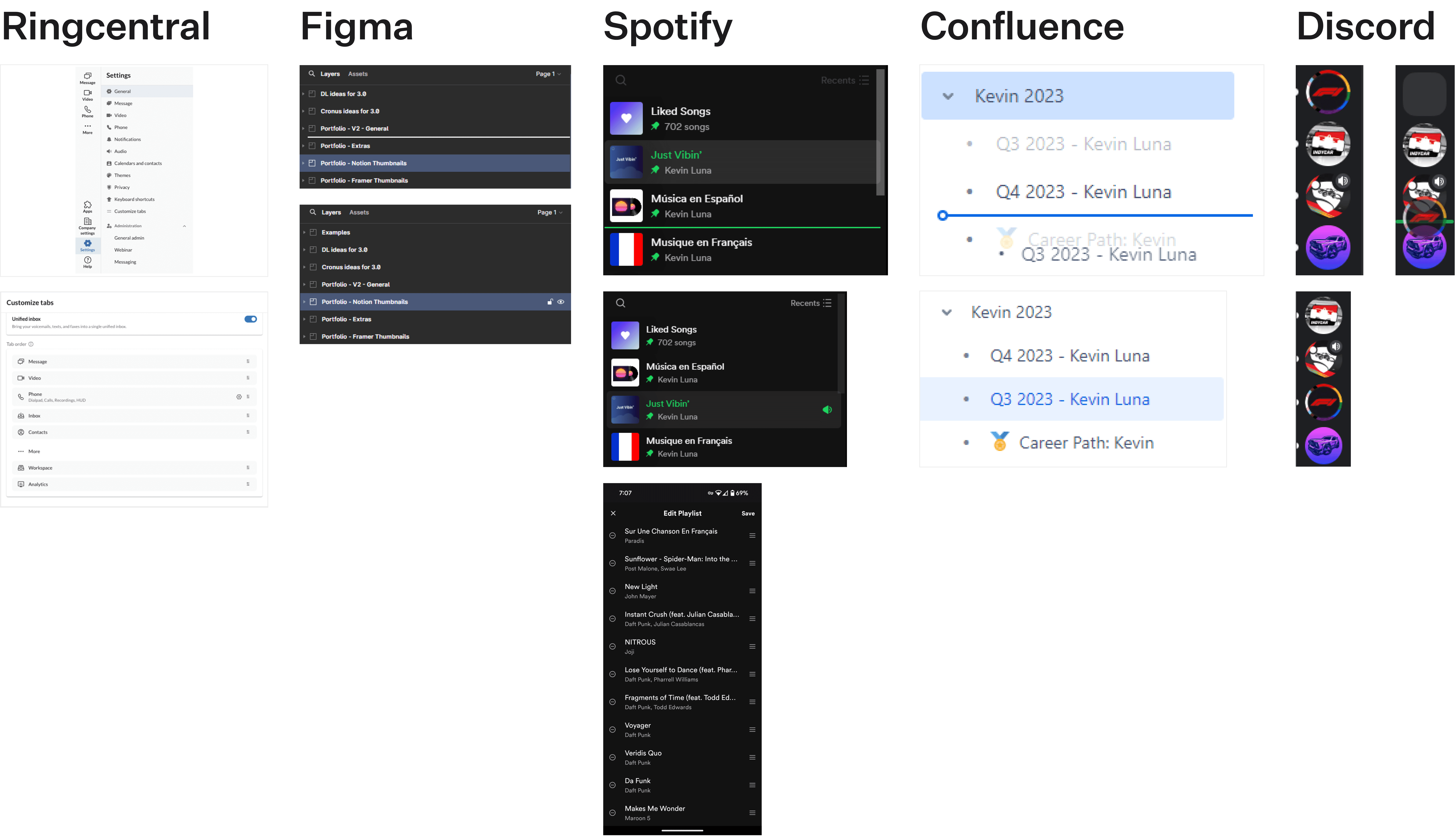
We started looking on ideas that other companies have used in the past to customize lists and move them in different orders. The main approaches some of these companies had were:
Dragging the feature to a different place in the menu
Using a divider to view where the feature will be placed
Leave a space to remember where the feature was originally on
We started looking on ideas that other companies have used in the past to customize lists and move them in different orders. The main approaches some of these companies had were:
Dragging the feature to a different place in the menu
Using a divider to view where the feature will be placed
Leave a space to remember where the feature was originally on
Wireframes
Wireframes
Wireframes
After doing research to view ideas to implement this, we started sketching with wireframes to come up with a solution. The initial ideas involved following the pattern from the research where users can drag and drop their menu in their preferred position, but certain limitations in development related to making changes in real-time made us take a different approach.
After doing research to view ideas to implement this, we started sketching with wireframes to come up with a solution. The initial ideas involved following the pattern from the research where users can drag and drop their menu in their preferred position, but certain limitations in development related to making changes in real-time made us take a different approach.
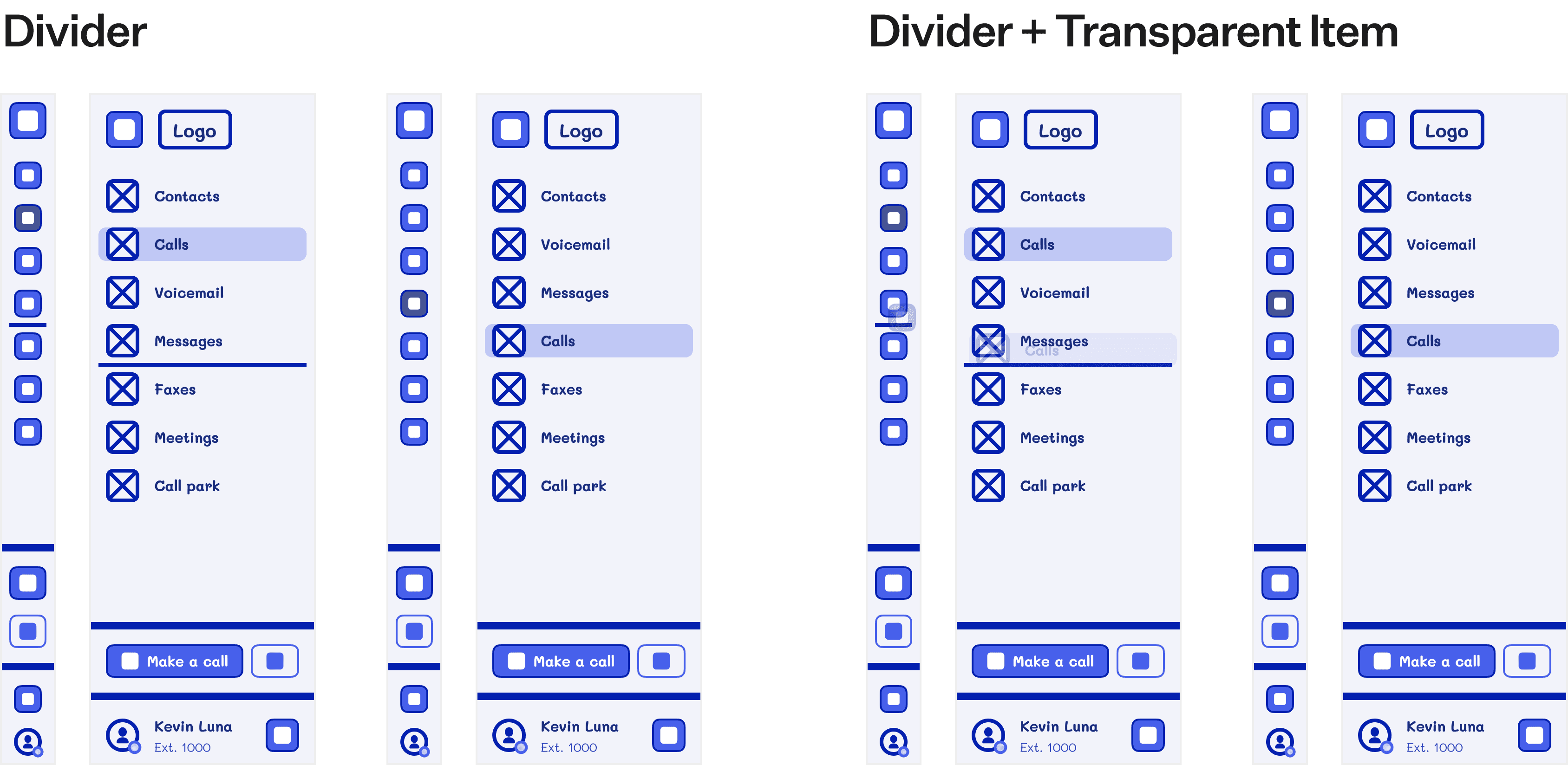
This limitation made us rethink the idea and look for a new solution. What we proposed in the end was to adjust the menu option in our Settings page so the user can move things around and when they were happy, they could save their menu.
This limitation made us rethink the idea and look for a new solution. What we proposed in the end was to adjust the menu option in our Settings page so the user can move things around and when they were happy, they could save their menu.
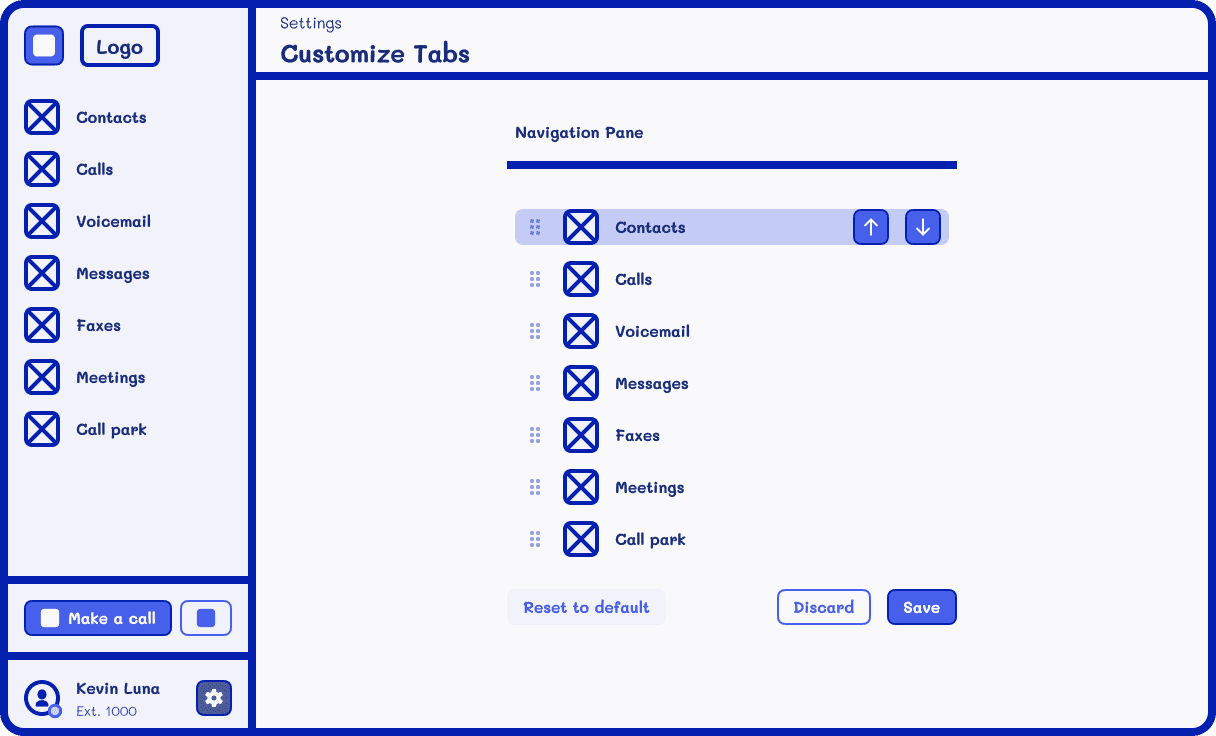
We also took into account an accessibility option for users that weren't able to drag and drop their menu features to use arrows instead to move their menu. This way we can allow more users to be able to customize it.
We also took into account an accessibility option for users that weren't able to drag and drop their menu features to use arrows instead to move their menu. This way we can allow more users to be able to customize it.
Designs
Designs
Designs
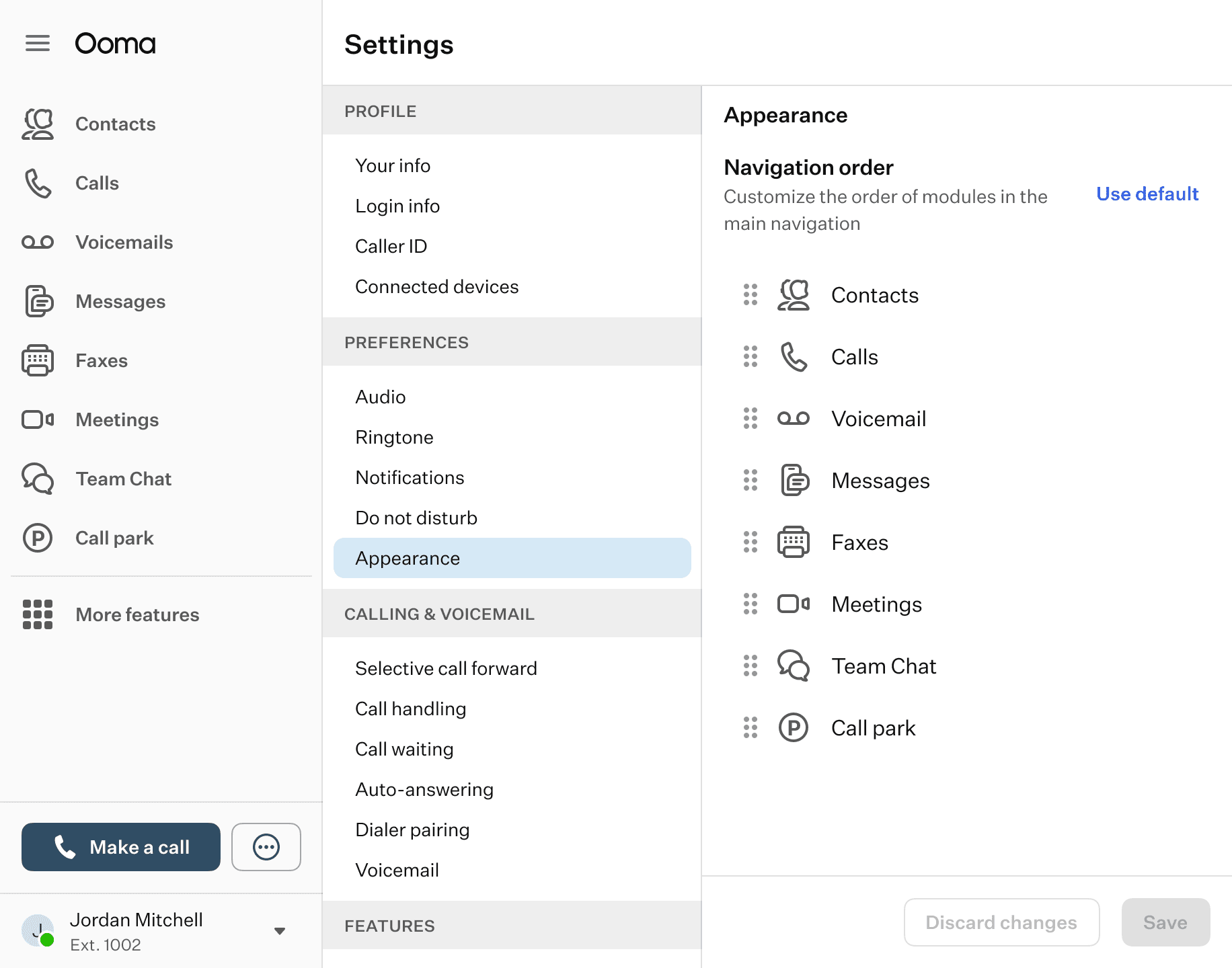
After exploring and sketching the idea, we moved with the high-fidelity designs using our design system and components.
We also added a feature to return to the Ooma default settings in case the users prefer to go with that option.
After exploring and sketching the idea, we moved with the high-fidelity designs using our design system and components.
We also added a feature to return to the Ooma default settings in case the users prefer to go with that option.
Conclusion
Conclusion
Conclusion
This project reinforced my ability to adapt to different situations with development constraints and looking for new ways to create designs that can be user-friendly and still be able to be built and shipped.
We also review and took into account accessibility inputs so our users can use our latest features without any complications.
This project reinforced my ability to adapt to different situations with development constraints and looking for new ways to create designs that can be user-friendly and still be able to be built and shipped.
We also review and took into account accessibility inputs so our users can use our latest features without any complications.
Other projects
Other projects
Other projects
View other projects that I've worked on during the years.
View other projects that I've worked on during the years.
View other projects that I've worked on during the years.
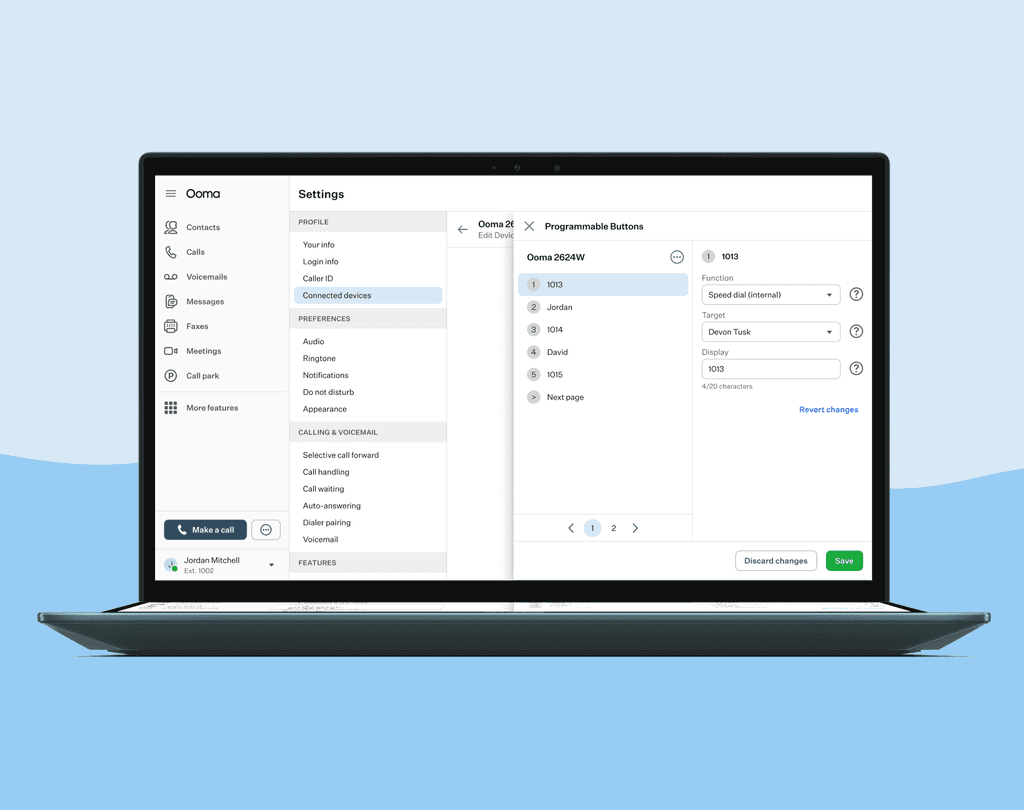
Configure Programmable Buttons in devices
Set your device to have different features depending on what you click.
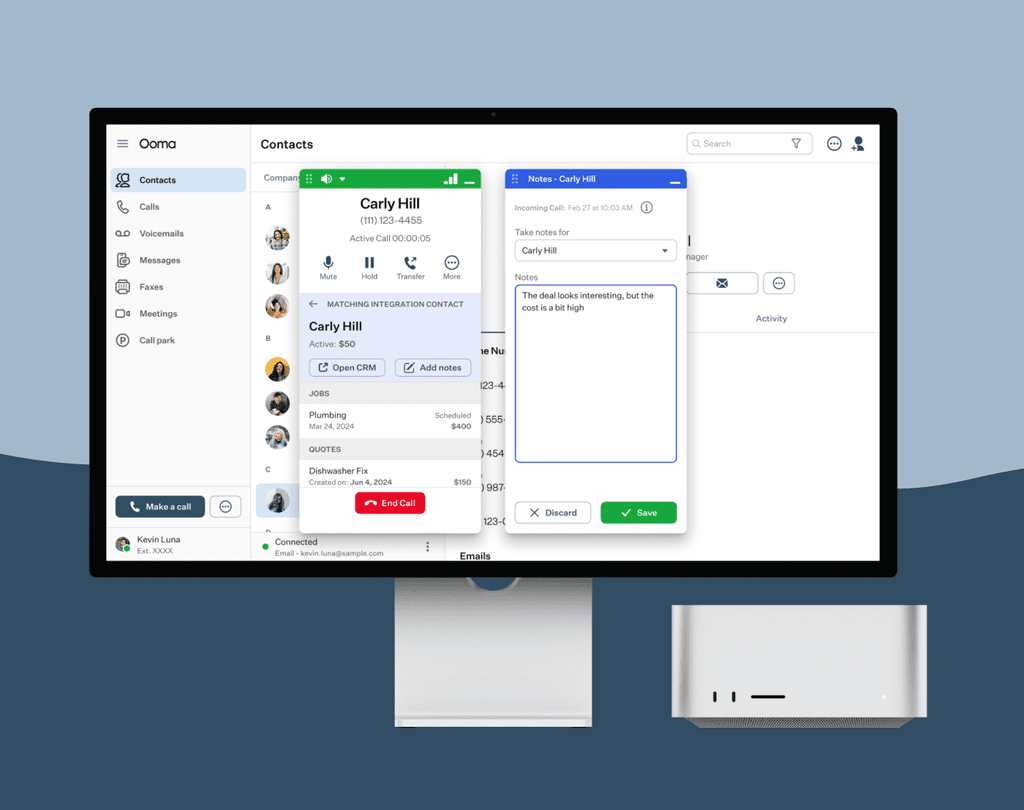
Add notes while taking calls
Connect with our different CRM Integrations and take notes of conversations with your client.